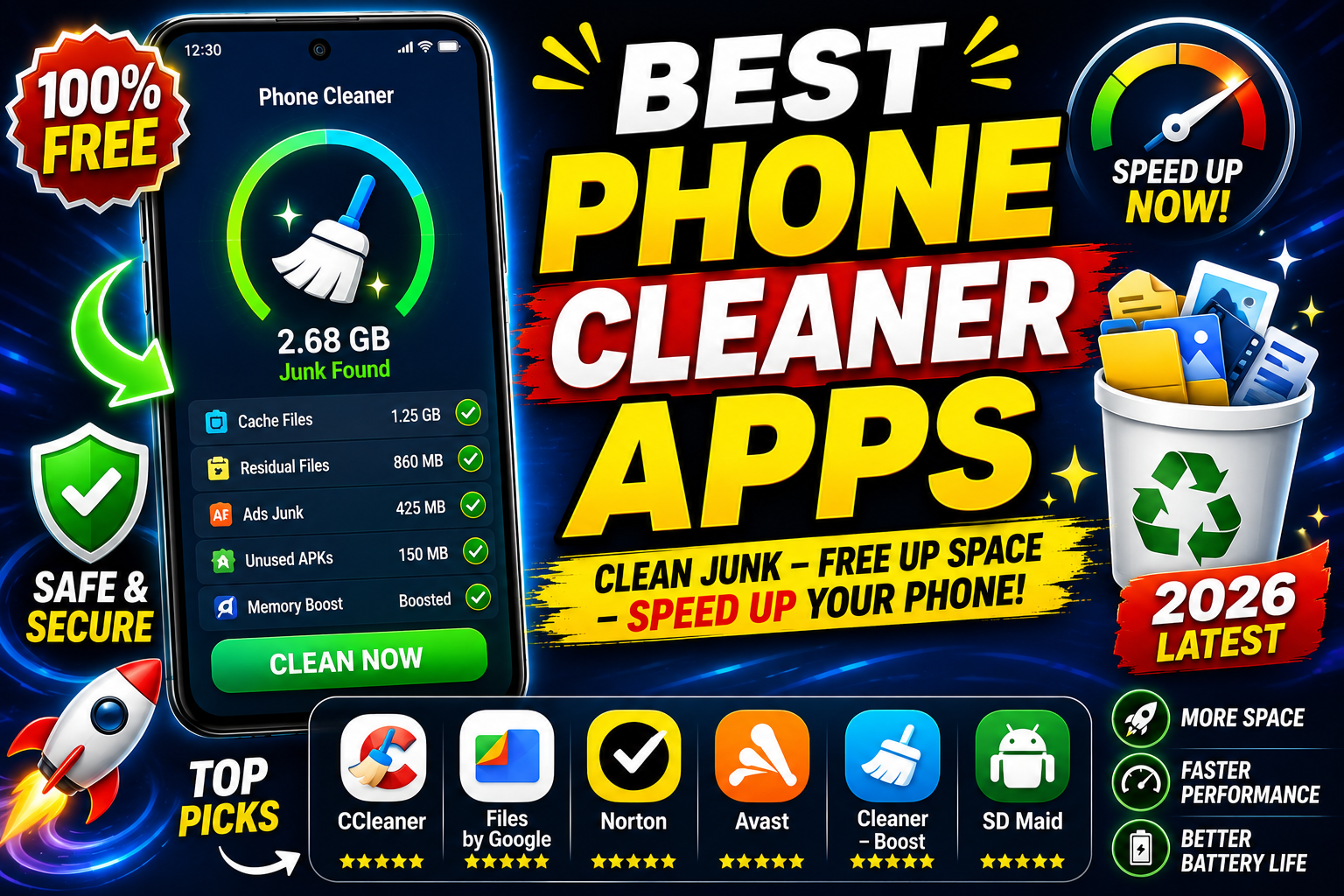
Smartphones gradually slow down as storage fills up with duplicate photos, cached files, large downloads, and unused apps. A reliable phone cleaner app can help free up space, organize your files, and improve your device’s overall performance.
In this article, we’ll explore the best phone cleaner apps for Android and iPhone, their features, pros and cons, and help you choose the right one.
Why Use a Phone Cleaner App?
A quality phone cleaner app can help you:
- Remove junk and cache files
- Delete duplicate photos and videos
- Find large files consuming storage
- Uninstall unused apps
- Organize contacts
- Monitor storage usage
- Improve device performance
Note: No app can magically increase your phone’s RAM or dramatically boost CPU performance. The best cleaner apps mainly help by freeing storage and organizing files.
1. CCleaner
Platform: Android
Key Features
- Junk file cleaner
- Storage analyzer
- App manager
- Performance monitoring
- Easy-to-use interface
Pros
- Trusted brand
- Lightweight
- Good storage analysis
- Beginner-friendly
Cons
- Some premium features require a subscription
- Limited cache cleaning on newer Android versions
Best For: Users who want a simple and reliable cleaner.
2. Files by Google
Platform: Android
Key Features
- Delete junk files
- Remove duplicate files
- Smart cleaning suggestions
- Offline file sharing
- Storage management
Pros
- Completely free
- No unnecessary ads
- Developed by Google
- Excellent duplicate detection
Cons
- Doesn’t include advanced optimization tools
Best For: Most Android users.
3. Avast Cleanup
Platform: Android
Key Features
- Junk cleaner
- Duplicate photo removal
- Sleep mode for apps
- Large file detection
Pros
- Attractive interface
- Powerful cleaning engine
- Automatic maintenance
Cons
- Subscription required for premium tools
Best For: Users looking for automated cleaning.
4. AVG Cleaner
Platform: Android
Key Features
- Cache cleaning
- Storage analyzer
- Duplicate image finder
- Battery optimization
Pros
- Simple interface
- Good analytics
- Reliable performance
Cons
- Ads in the free version
Best For: Everyday phone maintenance.
5. SD Maid SE
Platform: Android
Key Features
- Remove leftover files
- Deep storage scan
- Database optimization
- File explorer
Pros
- Advanced cleaning
- Powerful scanning
- Great for experienced users
Cons
- Interface may feel technical
- Some features are paid
Best For: Power users.
6. Cleaner Kit
Platform: iPhone
Key Features
- Photo cleanup
- Video compression
- Contact cleanup
- Storage analysis
Pros
- Modern interface
- Fast scanning
- Multiple cleanup tools
Cons
- Premium subscription required for many features
Best For: iPhone users wanting an all-in-one cleaner.
7. Cleanup: Phone Storage Cleaner
Platform: iPhone
Key Features
- Remove duplicate photos
- Delete similar screenshots
- Organize contacts
- Compress videos
Pros
- Accurate duplicate detection
- Easy to use
- Saves storage quickly
Cons
- Limited free version
Best For: Photo-heavy iPhone users.
8. Smart Cleaner
Platform: iPhone
Key Features
- AI photo cleanup
- Contact management
- Video compression
- Calendar cleanup
Pros
- Fast performance
- AI-powered organization
- Clean interface
Cons
- Subscription needed for premium tools
Best For: Users with large photo libraries.
Comparison Table
| App | Platform | Free Version | Duplicate Cleaner | Junk Cleaner | Rating |
|---|---|---|---|---|---|
| CCleaner | Android | Yes | Yes | Yes | ⭐⭐⭐⭐☆ |
| Files by Google | Android | Yes | Yes | Yes | ⭐⭐⭐⭐⭐ |
| Avast Cleanup | Android | Limited | Yes | Yes | ⭐⭐⭐⭐☆ |
| AVG Cleaner | Android | Yes | Yes | Yes | ⭐⭐⭐⭐☆ |
| SD Maid SE | Android | Limited | Yes | Yes | ⭐⭐⭐⭐⭐ |
| Cleaner Kit | iPhone | Limited | Yes | Yes | ⭐⭐⭐⭐☆ |
| Cleanup | iPhone | Limited | Yes | Yes | ⭐⭐⭐⭐☆ |
| Smart Cleaner | iPhone | Limited | Yes | Yes | ⭐⭐⭐⭐☆ |
Tips to Keep Your Phone Fast
- Delete unused apps regularly.
- Back up and remove old photos.
- Clear large downloads.
- Keep your operating system updated.
- Restart your phone occasionally.
- Avoid installing unnecessary optimization apps.
Frequently Asked Questions
Are phone cleaner apps safe?
Yes, if you download them from the Google Play Store or Apple App Store and choose well-known developers.
Do cleaner apps really speed up phones?
They mainly improve storage management and remove unnecessary files. They cannot significantly increase hardware performance.
Which is the best free phone cleaner app?
Files by Google is one of the best free choices for Android users. For iPhone, Smart Cleaner and Cleanup offer useful free features with optional premium upgrades.
Should I use multiple cleaner apps?
No. Running several cleaner apps is unnecessary and may waste storage and battery. One trusted app is usually enough.
Final Verdict
If you’re an Android user, Files by Google stands out as the best overall choice because it’s free, reliable, and developed by Google. Power users who need deeper cleaning can consider SD Maid SE, while CCleaner remains a solid all-round option.
For iPhone users, Cleaner Kit, Cleanup: Phone Storage Cleaner, and Smart Cleaner are among the top choices for organizing photos, removing duplicates, and reclaiming valuable storage.
Choose the app that matches your needs, download it from the official app store, and make regular cleanups part of your phone maintenance routine to keep your device running smoothly.
SEO Title: Best Phone Cleaner Apps in 2026: Top Apps to Free Storage & Speed Up Your Phone
Meta Description: Discover the best phone cleaner apps for Android and iPhone in 2026. Compare features, pros, cons, and find the perfect app to free storage and optimize your smartphone.
Suggested URL Slug: best-phone-cleaner-apps
Target Keywords: best phone cleaner apps, phone cleaner app, best Android cleaner app, best iPhone cleaner app, free phone cleaner, storage cleaner app, duplicate photo remover