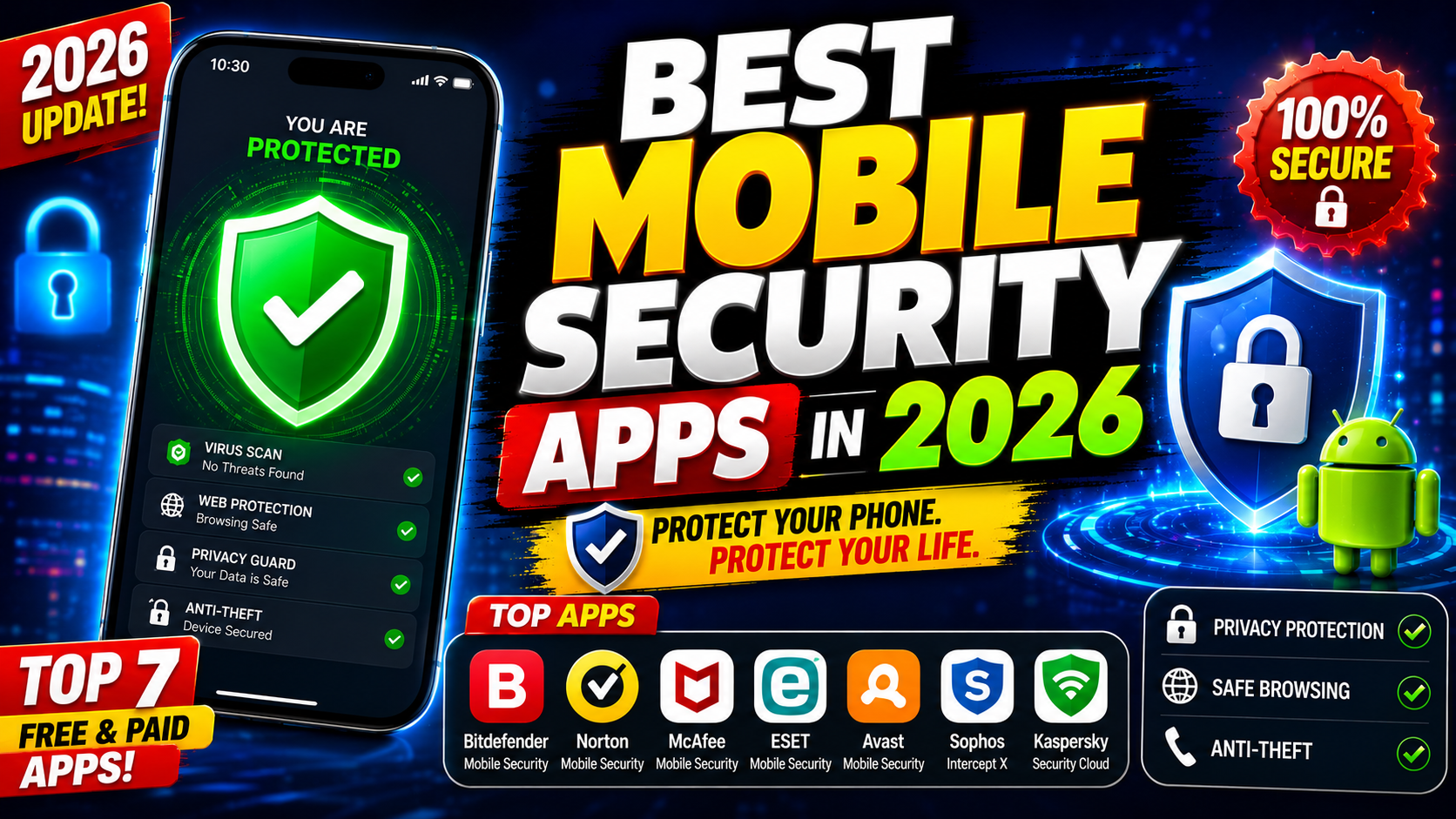
In today’s digital world, smartphones store everything from banking information and personal photos to business emails and passwords. As cyber threats continue to evolve, installing a reliable mobile security app has become essential. Whether you use Android or iPhone, the right security app can protect your device from malware, phishing attacks, identity theft, and unsafe websites.
In this guide, we’ll explore the best mobile security apps in 2026, their key features, pros and cons, and help you choose the right one for your needs.
Why You Need a Mobile Security App
Mobile security apps provide multiple layers of protection by offering:
- Real-time malware scanning
- Phishing protection
- Safe browsing
- Wi-Fi security monitoring
- Identity theft alerts
- App privacy analysis
- VPN services
- Anti-theft features
Even though Android and iOS include built-in security features, additional protection can safeguard against modern cyber threats.
1. Norton 360 Mobile Security
Best For: Overall smartphone protection
Key Features
- Real-time malware protection
- Wi-Fi security alerts
- Web protection against phishing
- Dark web monitoring
- Device security reports
- SMS scam detection (Android)
Pros
- Excellent malware detection
- Easy-to-use interface
- Identity protection tools
- Strong reputation
Cons
- Premium subscription required
- Some features vary by platform
2. Bitdefender Mobile Security
Best For: Lightweight protection
Key Features
- Malware scanner
- VPN (limited free version)
- Scam protection
- Web security
- App lock
- Anti-theft tools
Pros
- Minimal battery usage
- High malware detection rates
- Fast scans
Cons
- VPN has daily limits on lower plans
3. Avast Mobile Security
Best For: Free security features
Key Features
- Virus scanner
- Photo vault
- Wi-Fi scanner
- App permissions checker
- Hack alerts
Pros
- Good free version
- Easy setup
- Regular updates
Cons
- Advertisements in free version
- Premium features locked
4. McAfee Mobile Security
Best For: Privacy protection
Key Features
- Secure VPN
- Identity monitoring
- Safe browsing
- Wi-Fi protection
- Device optimization
Pros
- Excellent privacy tools
- User-friendly dashboard
- Multi-device plans
Cons
- Higher subscription price
5. Kaspersky Mobile Antivirus
Best For: Malware protection
Key Features
- Antivirus scanner
- Anti-phishing
- App lock
- Call filtering
- Device locator
Pros
- High detection accuracy
- Low system impact
- Reliable security engine
Cons
- Some regional availability limitations
6. Malwarebytes Mobile Security
Best For: Malware removal
Key Features
- Malware detection
- Privacy audit
- Adware removal
- Scam protection
Pros
- Excellent malware cleanup
- Lightweight
- Clean interface
Cons
- Limited free features
7. Trend Micro Mobile Security
Best For: Safe browsing
Key Features
- Web threat detection
- Social media privacy scanner
- Wi-Fi checker
- System optimization
- Anti-theft tools
Pros
- Strong phishing protection
- Easy navigation
- Reliable updates
Cons
- Premium pricing
8. AVG AntiVirus
Best For: Beginners
Key Features
- Virus scanner
- Photo vault
- Wi-Fi security
- Junk cleaner
- App lock
Pros
- Free version available
- Beginner-friendly
- Regular security updates
Cons
- Ads in free plan
Comparison Table
| Security App | Free Version | VPN | Malware Protection | Identity Protection | Best For |
|---|---|---|---|---|---|
| Norton 360 | No | Yes | ⭐⭐⭐⭐⭐ | Yes | Overall Security |
| Bitdefender | Limited | Yes | ⭐⭐⭐⭐⭐ | Limited | Lightweight |
| Avast | Yes | Premium | ⭐⭐⭐⭐☆ | Limited | Free Users |
| McAfee | Trial | Yes | ⭐⭐⭐⭐⭐ | Yes | Privacy |
| Kaspersky | Yes | No | ⭐⭐⭐⭐⭐ | No | Malware Protection |
| Malwarebytes | Limited | No | ⭐⭐⭐⭐⭐ | No | Malware Removal |
| Trend Micro | Trial | Yes | ⭐⭐⭐⭐☆ | Limited | Safe Browsing |
| AVG | Yes | Premium | ⭐⭐⭐⭐☆ | No | Beginners |
Free vs Paid Mobile Security Apps
Free Apps
Advantages:
- Basic malware protection
- Wi-Fi scanning
- Security updates
- Limited features
Disadvantages:
- Advertisements
- No VPN
- Limited identity protection
- Fewer privacy tools
Paid Apps
Advantages:
- Full malware protection
- VPN included
- Identity theft monitoring
- Dark web monitoring
- Advanced anti-phishing
- Priority customer support
Tips to Keep Your Smartphone Secure
- Download apps only from official app stores.
- Keep your operating system updated.
- Enable two-factor authentication.
- Use strong, unique passwords.
- Avoid clicking suspicious links.
- Connect only to trusted Wi-Fi networks.
- Regularly back up your data.
- Review app permissions periodically.
Frequently Asked Questions (FAQs)
Which is the best mobile security app?
Norton 360 Mobile Security is widely regarded as one of the best all-around mobile security solutions due to its comprehensive protection and privacy features.
Do Android phones need antivirus apps?
Android devices can benefit from additional security apps, especially if you frequently install third-party apps or browse unfamiliar websites.
Does iPhone need antivirus software?
iPhones are generally more secure due to Apple’s ecosystem, but security apps can still provide phishing protection, VPN services, and identity monitoring.
Are free mobile security apps safe?
Yes, reputable free apps from trusted developers offer basic protection, but premium versions usually include advanced security and privacy features.
Can mobile security apps improve privacy?
Yes. Many security apps include VPNs, identity monitoring, app permission analysis, and phishing protection to help safeguard your personal information.
Final Thoughts
Choosing the right mobile security app depends on your needs and budget. If you want the most comprehensive protection, Norton 360 Mobile Security is an excellent choice. For users seeking a lightweight solution, Bitdefender Mobile Security stands out, while Avast Mobile Security and AVG AntiVirus offer solid free protection.
No matter which app you choose, combining it with good security habits—such as keeping your device updated, using strong passwords, and avoiding suspicious downloads—will significantly reduce your risk of cyber threats.