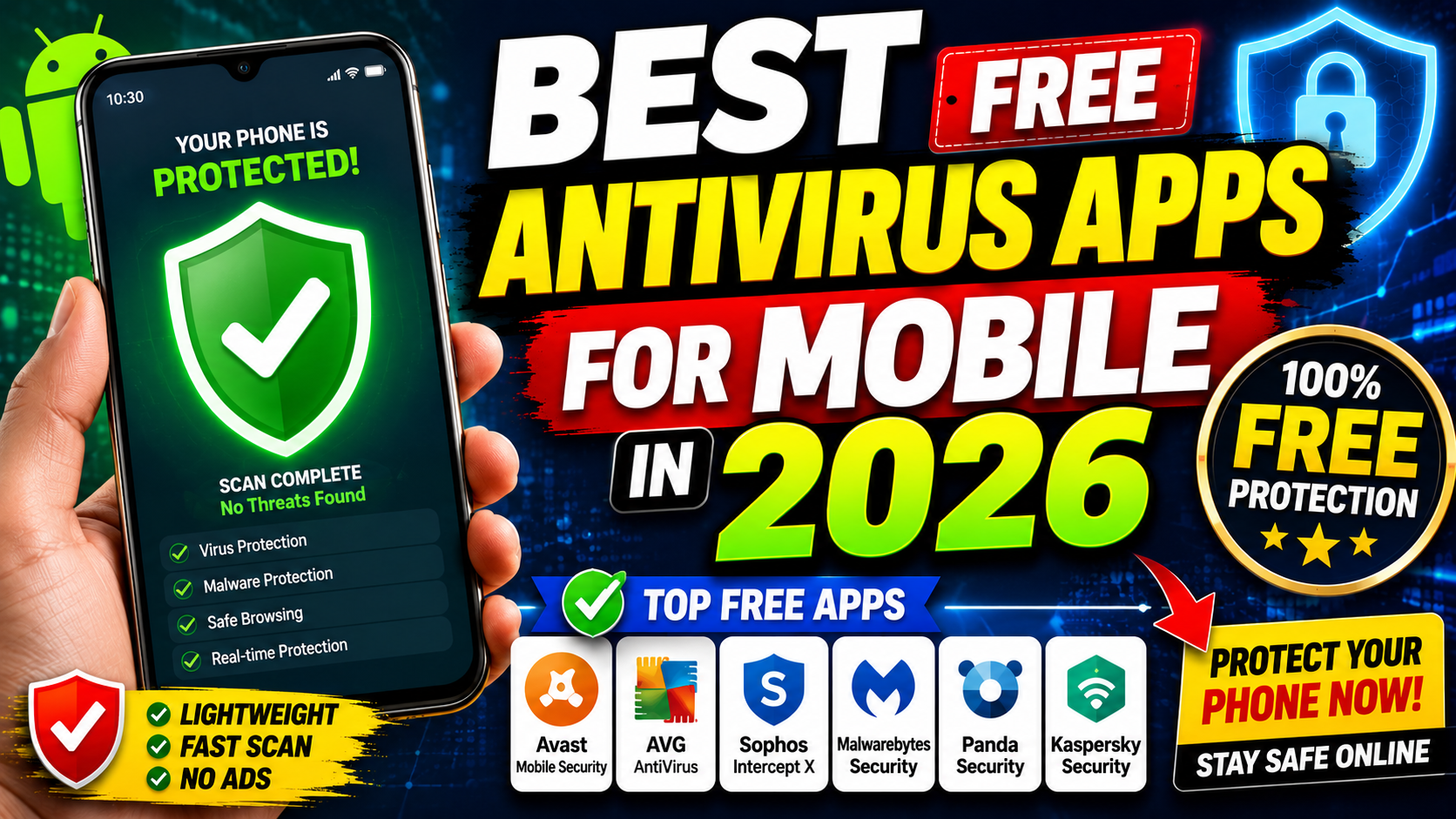
In today’s digital world, smartphones store everything from personal photos and banking information to passwords and work documents. While Android devices are more commonly targeted by malware, both Android and iPhone users can benefit from security apps that protect against phishing, malicious websites, and data theft.
If you’re looking for reliable protection without paying a subscription, here are the best free antivirus apps for mobile in 2026.
1. Bitdefender Antivirus Free
Best for: Lightweight protection
Bitdefender Antivirus Free offers excellent malware detection while using minimal system resources. It automatically scans apps during installation and helps keep your device protected without slowing it down.
Features
- Real-time malware scanning
- Automatic app scanning
- Lightweight performance
- Simple one-tap interface
Pros
- Excellent malware detection
- Very low battery usage
- Easy to use
Cons
- Limited advanced features in the free version
Rating: ⭐⭐⭐⭐⭐ (5/5)
2. Avast Mobile Security
Best for: Feature-rich free security
Avast Mobile Security provides more than just antivirus protection. It includes web protection, Wi-Fi security scanning, and privacy features, making it a great all-around security app.
Features
- Virus and malware scanner
- Wi-Fi security scanner
- Web Shield
- App permissions checker
Pros
- Lots of free features
- User-friendly interface
- Frequent security updates
Cons
- Contains advertisements
- Some features require a premium upgrade
Rating: ⭐⭐⭐⭐☆ (4.5/5)
3. AVG AntiVirus Free
Best for: Everyday protection
AVG shares the same security engine as Avast and delivers reliable protection against malware, spyware, and phishing attempts.
Features
- Malware scanning
- Photo Vault
- Wi-Fi security
- Performance optimization tools
Pros
- Reliable detection rates
- Easy setup
- Includes phone optimization
Cons
- Ads in the free version
Rating: ⭐⭐⭐⭐☆ (4.5/5)
4. Malwarebytes Mobile Security
Best for: Removing malware and phishing protection
Malwarebytes is well-known for detecting malware that traditional antivirus apps sometimes miss. Its mobile version focuses on malware removal and phishing protection.
Features
- Malware detection
- Privacy audit
- Phishing protection
- App security analysis
Pros
- Excellent malware cleanup
- Clean interface
- Trusted security company
Cons
- Some real-time protection requires Premium
Rating: ⭐⭐⭐⭐☆ (4.5/5)
5. Kaspersky Mobile Antivirus
Best for: Strong malware detection
Kaspersky remains one of the most respected names in cybersecurity. Its free mobile app offers powerful virus scanning and security tools.
Features
- Virus scanner
- Anti-phishing protection
- Device security monitoring
- Safe browsing
Pros
- High malware detection rates
- Trusted security technology
- Easy to navigate
Cons
- Some advanced tools require Premium
Rating: ⭐⭐⭐⭐⭐ (5/5)
6. Avira Security Antivirus
Best for: Privacy-focused users
Avira combines antivirus protection with privacy tools like a VPN and identity protection features.
Features
- Malware scanner
- VPN (limited free data)
- Identity protection
- Privacy advisor
Pros
- Includes free VPN
- Good malware detection
- Attractive interface
Cons
- VPN data limit in the free version
Rating: ⭐⭐⭐⭐☆ (4.5/5)
7. Norton 360 Mobile
Best for: Identity and web protection
Although Norton is mainly a premium product, its free mobile tools offer useful protection against phishing and unsafe websites in supported regions.
Features
- Web protection
- Device security
- Privacy alerts
- Safe browsing
Pros
- Trusted cybersecurity brand
- Excellent phishing protection
Cons
- Full antivirus features require a paid subscription
Rating: ⭐⭐⭐⭐☆ (4/5)
Comparison Table
| Antivirus | Malware Protection | Free Version | VPN | Anti-Phishing | Rating |
|---|---|---|---|---|---|
| Bitdefender | ⭐⭐⭐⭐⭐ | Yes | No | Yes | 5/5 |
| Avast | ⭐⭐⭐⭐☆ | Yes | Limited | Yes | 4.5/5 |
| AVG | ⭐⭐⭐⭐☆ | Yes | No | Yes | 4.5/5 |
| Malwarebytes | ⭐⭐⭐⭐☆ | Yes | No | Yes | 4.5/5 |
| Kaspersky | ⭐⭐⭐⭐⭐ | Yes | No | Yes | 5/5 |
| Avira | ⭐⭐⭐⭐☆ | Yes | Limited | Yes | 4.5/5 |
| Norton | ⭐⭐⭐⭐☆ | Limited | No | Yes | 4/5 |
Do You Really Need Antivirus on Your Phone?
For Android
Yes, especially if you:
- Download apps outside the Google Play Store
- Frequently browse unknown websites
- Use public Wi-Fi
- Store banking or payment information
For iPhone
iPhones are generally secure thanks to Apple’s sandboxing and App Store review process. However, security apps can still help by offering:
- Phishing protection
- Safe browsing
- Identity monitoring
- Wi-Fi security alerts
Tips to Keep Your Phone Safe
- Download apps only from official app stores.
- Keep your operating system updated.
- Avoid clicking suspicious links in emails or text messages.
- Use strong, unique passwords.
- Enable two-factor authentication (2FA).
- Back up important data regularly.
- Avoid connecting to unsecured public Wi-Fi without protection.