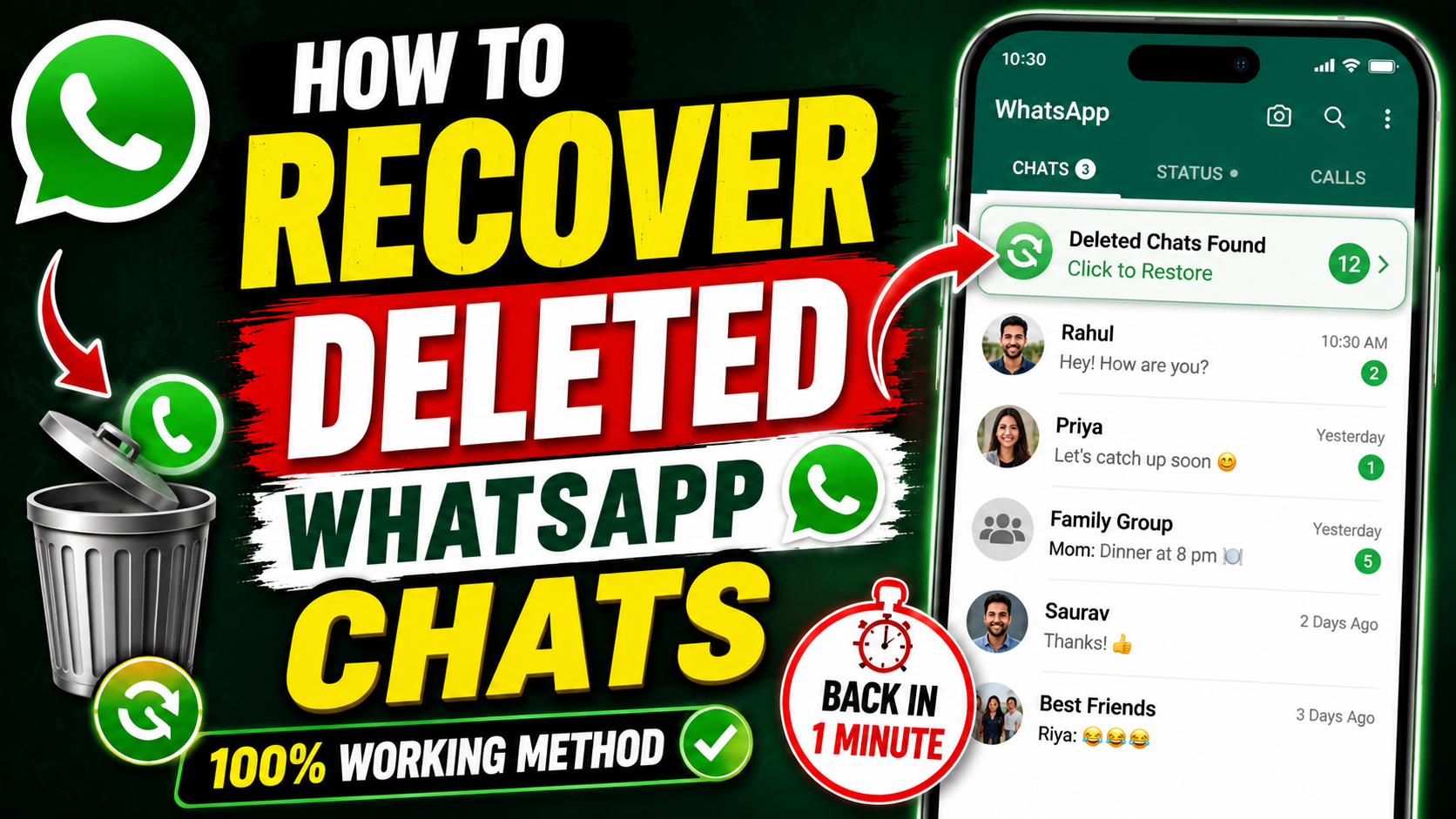
Meta Title: How to Recover Deleted WhatsApp Chats – Easy Step-by-Step Guide (2026)
Meta Description: Learn how to recover deleted WhatsApp chats on Android and iPhone using Google Drive, iCloud, or local backups. Follow this easy step-by-step guide.
How to Recover Deleted WhatsApp Chats
Losing important WhatsApp messages can be stressful, especially if they contain personal conversations, work information, or cherished memories. Fortunately, WhatsApp offers several ways to recover deleted chats if you have a backup available.
In this guide, we’ll explain the best methods to recover deleted WhatsApp chats on Android and iPhone.
Can You Recover Deleted WhatsApp Chats?
Yes, but recovery depends on whether you have a backup. WhatsApp supports:
- Google Drive backups (Android)
- iCloud backups (iPhone)
- Local backups (Android only)
If no backup exists, recovering permanently deleted chats is generally not possible.
Method 1: Recover WhatsApp Chats from Google Drive (Android)
If you’ve enabled Google Drive backups, follow these steps:
Step 1
Uninstall WhatsApp from your phone.
Step 2
Reinstall WhatsApp from the Google Play Store.
Step 3
Open WhatsApp and verify your phone number.
Step 4
When prompted, tap Restore.
Step 5
Wait for the restoration process to finish.
Step 6
Tap Next to access your recovered chats.
Method 2: Recover WhatsApp Chats from Local Backup (Android)
Android devices automatically create local backups every day.
Steps:
- Open your File Manager.
- Navigate to:
Android > Media > com.whatsapp > WhatsApp > Databases
- Find the latest backup file.
- Rename it to:
msgstore.db.crypt14
- Uninstall WhatsApp.
- Reinstall the app.
- Verify your phone number.
- Tap Restore when prompted.
Your deleted chats should now appear.
Method 3: Recover WhatsApp Chats on iPhone
If you’ve enabled iCloud Backup:
Step 1
Delete WhatsApp.
Step 2
Install WhatsApp again from the App Store.
Step 3
Verify your phone number.
Step 4
Tap Restore Chat History.
Wait until the restoration completes.
How to Check If You Have a Backup
Android
- Open WhatsApp.
- Go to Settings.
- Tap Chats.
- Select Chat Backup.
You’ll see:
- Last backup date
- Google account used
- Backup size
iPhone
- Open WhatsApp.
- Go to Settings.
- Tap Chats.
- Select Chat Backup.
Check the latest iCloud backup date.
Can You Recover Chats Without a Backup?
Unfortunately, recovering deleted WhatsApp chats without any backup is very difficult.
Although some third-party recovery software claims to retrieve deleted messages, success is not guaranteed, and using such tools may pose privacy or security risks.
If the chats were never backed up, they are usually unrecoverable.
Tips to Avoid Losing WhatsApp Chats
Follow these best practices:
- Enable automatic daily backups.
- Back up chats before changing phones.
- Keep enough cloud storage available.
- Never clear WhatsApp data unless you have a recent backup.
- Regularly verify that your backups are completing successfully.
Frequently Asked Questions
Can I recover WhatsApp messages deleted months ago?
Yes, if your backup was created before those messages were deleted.
Will reinstalling WhatsApp restore deleted chats?
Yes, but only if a valid backup exists.
Can I recover chats from a broken phone?
Yes, if your Google Drive or iCloud backup is available.
Are deleted WhatsApp messages permanently gone?
If they were deleted and no backup exists, they are generally permanent.
Conclusion
Recovering deleted WhatsApp chats is easy if you’ve enabled backups. Android users can restore chats from Google Drive or local backups, while iPhone users can recover messages from iCloud.
To protect your conversations, enable automatic backups and verify them regularly. This simple habit can save you from permanently losing valuable messages in the future.