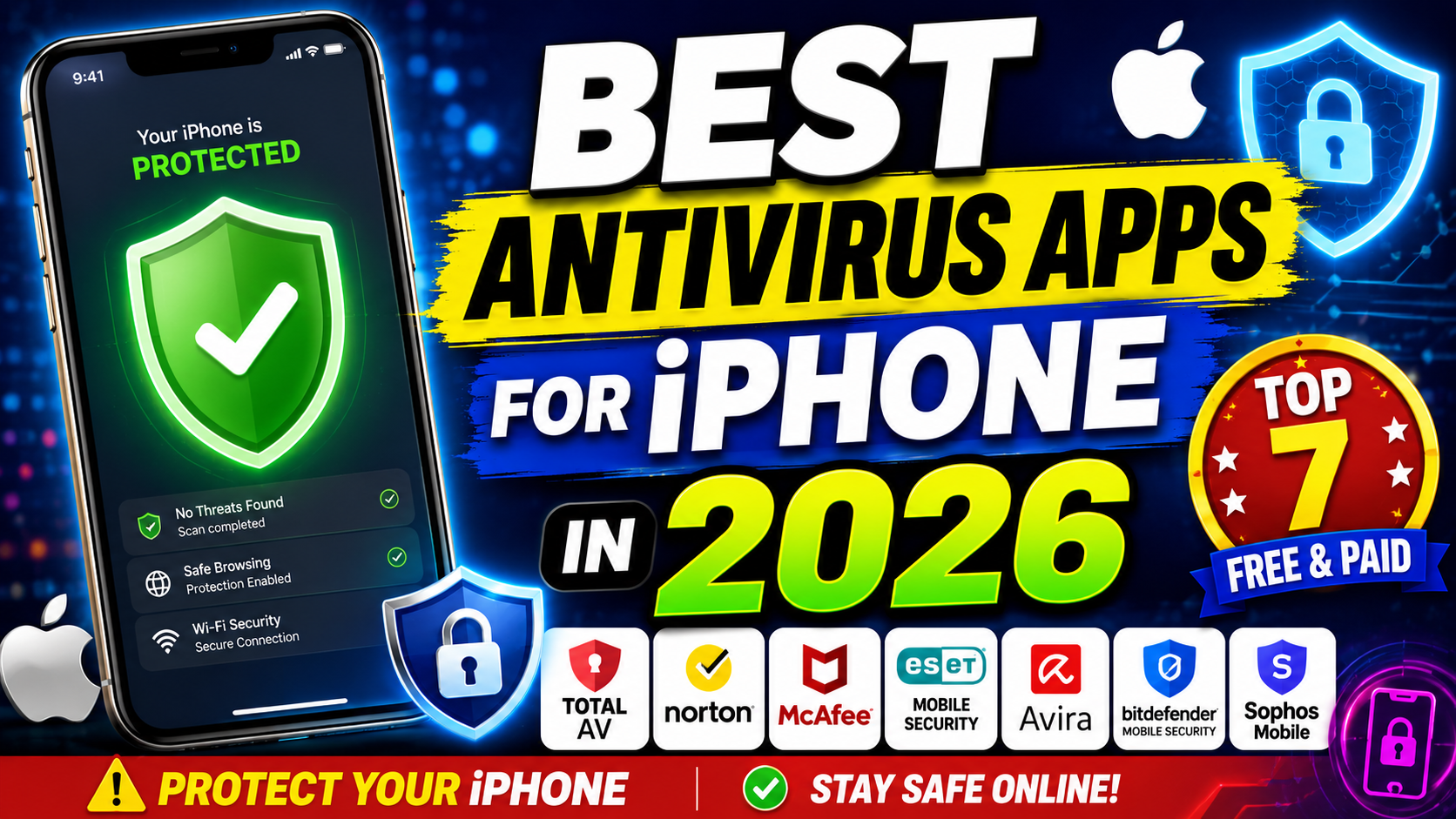
Apple’s iPhone is known for its strong security features, but that doesn’t mean it’s immune to online threats. While traditional viruses are rare on iOS due to Apple’s strict App Store policies and sandboxing technology, iPhone users can still face phishing attacks, malicious websites, identity theft, unsecured Wi-Fi networks, and data breaches.
This is where antivirus and mobile security apps come in. Rather than scanning for traditional viruses, these apps focus on protecting your privacy, securing your internet connection, detecting scams, and monitoring your personal information.
In this guide, we’ll explore the best antivirus apps for iPhone in 2026, highlighting their features, pros, cons, and who they’re best suited for.
Why Do You Need an Antivirus App for iPhone?
Although iPhones are highly secure, security apps provide additional protection such as:
- Phishing website detection
- VPN for secure browsing
- Identity theft monitoring
- Password management
- Wi-Fi security alerts
- Data breach notifications
- Scam protection
- Privacy monitoring
These features help protect your personal information even when your device itself isn’t infected by traditional malware.
1. Norton Mobile Security
Best Overall Security App
Norton Mobile Security is one of the most trusted names in cybersecurity. Instead of looking for traditional viruses, it protects your iPhone against online scams, phishing attacks, unsafe websites, and insecure Wi-Fi networks.
Key Features
- Dark Web Monitoring
- Wi-Fi Security Alerts
- Scam SMS Detection
- Secure VPN
- Device Security Reports
Pros
- Excellent phishing protection
- Trusted security company
- Easy-to-use interface
- Identity monitoring features
Cons
- Premium subscription required
- VPN available only on higher plans
Best For: Everyday users wanting complete protection.
2. Bitdefender Mobile Security
Best Lightweight Security App
Bitdefender offers excellent privacy tools while remaining extremely lightweight. Its VPN and web protection are ideal for users who browse frequently on public networks.
Key Features
- Web Protection
- VPN
- Account Privacy Monitoring
- Data Breach Alerts
- Anti-Phishing
Pros
- Minimal battery usage
- Fast VPN
- Excellent privacy protection
Cons
- VPN has limited free data
- Premium features require subscription
Best For: Users wanting simple, effective protection.
3. McAfee Mobile Security
Best for Identity Protection
McAfee focuses heavily on personal privacy and identity theft prevention.
Key Features
- Identity Monitoring
- Secure VPN
- Wi-Fi Scanner
- Safe Browsing
- Security Score
Pros
- Great identity monitoring
- User-friendly dashboard
- Includes VPN
Cons
- Subscription required
- Interface can feel crowded
Best For: Users concerned about identity theft.
4. Avast Security & Privacy
Best Free Option
Avast provides several useful tools in its free version, making it one of the better choices for users on a budget.
Key Features
- Photo Vault
- Wi-Fi Security
- Identity Protection
- Safe Browsing
- VPN (Premium)
Pros
- Free version available
- Easy setup
- Good privacy tools
Cons
- Ads in free version
- Some features locked behind premium
Best For: Casual users wanting free protection.
5. Avira Mobile Security
Best for Privacy
Avira combines security with privacy-focused features and a clean, beginner-friendly interface.
Key Features
- VPN
- Identity Safeguard
- Call Blocker
- Device Analyzer
- Backup Contacts
Pros
- Clean interface
- Free VPN included
- Good privacy tools
Cons
- VPN data limit
- Advanced features require premium
Best For: Privacy-conscious users.
6. TotalAV Mobile Security
Best Value for Money
TotalAV provides an excellent mix of security, VPN, and device optimization tools.
Key Features
- Secure VPN
- WebShield
- Breach Monitoring
- Device Security
Pros
- Affordable plans
- Good performance
- Easy navigation
Cons
- Limited free features
Best For: Budget-conscious users.
7. Trend Micro Mobile Security
Best for Safe Browsing
Trend Micro specializes in protecting users from dangerous websites and online scams.
Key Features
- Web Threat Protection
- Scam Detection
- Social Network Privacy Check
- Wi-Fi Checker
- Safe QR Scanner
Pros
- Excellent phishing detection
- Strong browser protection
- Useful QR code scanner
Cons
- Premium subscription required
Best For: Frequent online shoppers and web users.
Comparison Table
| App | Free Version | VPN | Identity Monitoring | Best For |
|---|---|---|---|---|
| Norton | Limited | Yes | Yes | Overall Security |
| Bitdefender | Limited | Yes | Yes | Lightweight Protection |
| McAfee | Limited | Yes | Yes | Identity Theft |
| Avast | Yes | Premium | Basic | Free Users |
| Avira | Yes | Yes | Yes | Privacy |
| TotalAV | Limited | Yes | Yes | Budget Users |
| Trend Micro | Trial | Yes | Limited | Safe Browsing |
How to Choose the Best Antivirus for iPhone
Consider the following before choosing an app:
Security Features
Look for phishing protection, web protection, and identity monitoring.
VPN
A built-in VPN helps protect your data on public Wi-Fi networks.
Privacy Tools
Choose apps that monitor data breaches and alert you if your personal information is exposed.
Ease of Use
A clean interface makes it easier to manage your security settings.
Price
Compare annual subscription costs and available free features.
Tips to Keep Your iPhone Secure
Even with a security app installed, follow these best practices:
- Keep iOS updated.
- Enable Face ID or Touch ID.
- Use strong, unique passwords.
- Enable two-factor authentication.
- Download apps only from the App Store.
- Avoid clicking suspicious links.
- Use a VPN on public Wi-Fi.
- Regularly review app permissions.
Frequently Asked Questions (FAQs)
Does an iPhone really need antivirus software?
Traditional antivirus software isn’t necessary because iOS is designed with strong built-in security. However, mobile security apps add valuable protection against phishing, scams, identity theft, and unsafe networks.
Can iPhones get viruses?
It’s extremely uncommon. Most threats target users through fake websites, phishing emails, scam text messages, and stolen passwords rather than infecting the device itself.
Which antivirus app is best for iPhone?
Norton Mobile Security is often considered the best all-around choice due to its comprehensive security and privacy features. Bitdefender, McAfee, and Trend Micro are also excellent options depending on your needs.
Are free antivirus apps worth it?
Yes, if you mainly want basic privacy tools and breach monitoring. Premium plans typically include VPN access, advanced identity protection, and enhanced web security.
Final Thoughts
While iPhones remain among the most secure smartphones available, online threats continue to evolve. A quality mobile security app can provide valuable extras such as phishing protection, VPN access, identity monitoring, and privacy alerts that complement Apple’s built-in security.
For most users, Norton Mobile Security offers the most complete package. If you’re looking for a free solution, Avast Security & Privacy or Avira Mobile Security are excellent starting points. Ultimately, the best choice depends on your budget and the level of protection you need.
By combining one of these trusted security apps with good online habits, you can significantly improve your overall digital safety and browse with greater confidence.