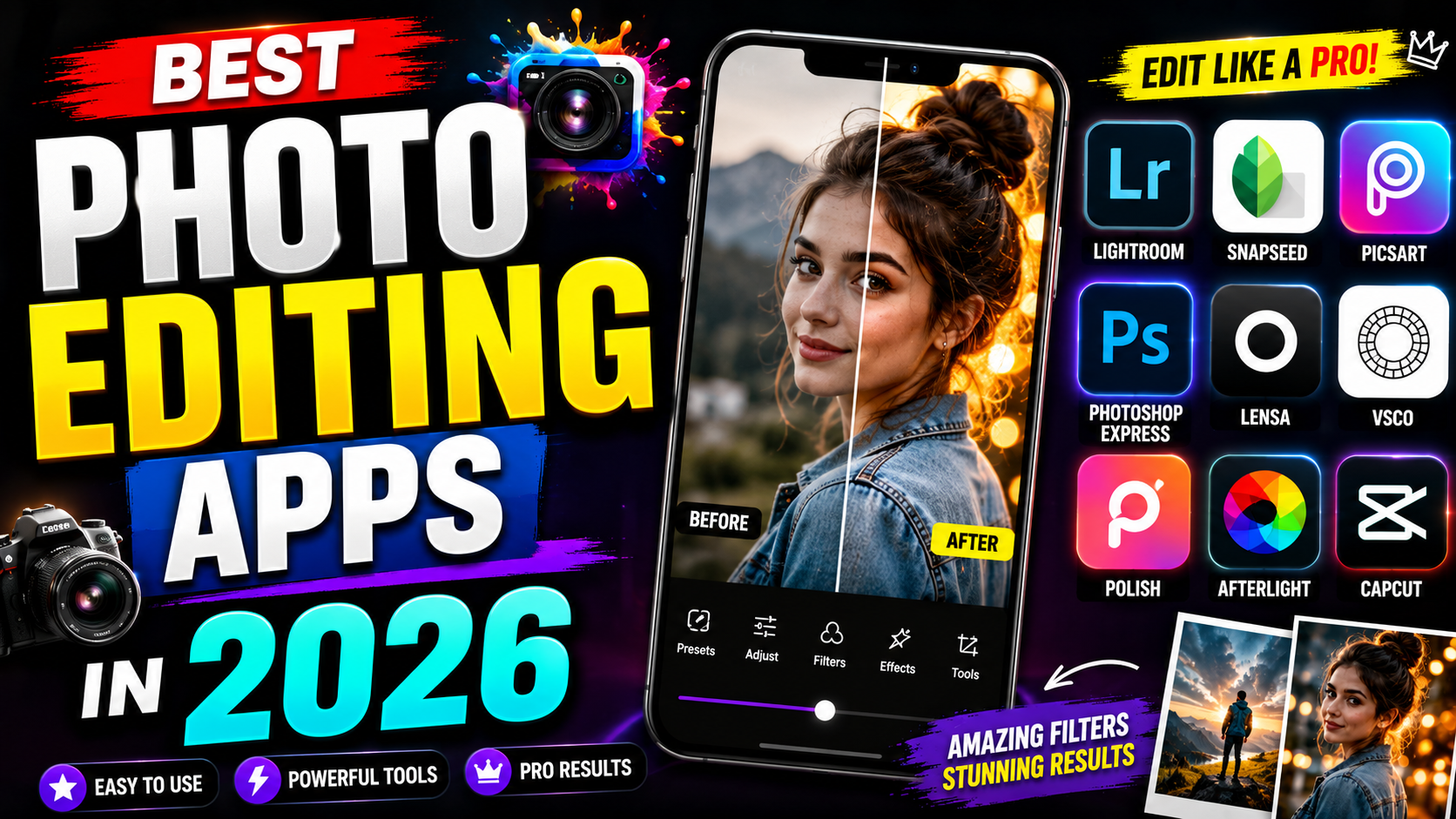
In today’s digital world, photo editing has become an essential skill for photographers, content creators, businesses, and social media enthusiasts. Whether you’re enhancing vacation photos, creating professional marketing content, or designing eye-catching Instagram posts, the right photo editing app can make all the difference.
In this article, we’ll explore the best photo editing apps in 2026, highlighting their features, pros, cons, and who they’re best suited for.
1. Adobe Lightroom
Best For: Professional photographers and advanced editing
Adobe Lightroom remains one of the most powerful photo editing apps available. It offers professional-grade tools while maintaining a user-friendly interface.
Key Features
- AI-powered photo enhancement
- Advanced color grading
- RAW photo editing
- Cloud synchronization
- Presets for quick editing
Pros
- Professional editing tools
- Excellent color correction
- Non-destructive editing
- Available on desktop and mobile
Cons
- Subscription required for premium features
- Learning curve for beginners
2. Adobe Photoshop Express
Best For: Quick professional edits
Photoshop Express brings many of Photoshop’s powerful features to mobile devices with a simplified interface.
Key Features
- One-touch corrections
- Object removal
- Filters and effects
- Collage maker
- Text overlays
Pros
- Easy to use
- Fast editing workflow
- Excellent AI features
Cons
- Some premium tools require a subscription
3. Snapseed
Best For: Free professional editing
Developed by Google, Snapseed is one of the best free photo editing apps available.
Key Features
- Selective editing
- Healing tool
- HDR effects
- Curves adjustment
- RAW editing support
Pros
- Completely free
- No advertisements
- Professional editing tools
Cons
- No cloud storage
- Limited social sharing options
4. Canva
Best For: Social media graphics and marketing
Canva combines photo editing with graphic design, making it perfect for content creators and businesses.
Key Features
- Drag-and-drop editor
- Thousands of templates
- Background remover
- Brand kit
- AI image editing
Pros
- Beginner-friendly
- Excellent templates
- Great for social media
Cons
- Some features require Canva Pro
5. PicsArt
Best For: Creative editing and effects
PicsArt is popular among social media creators for its creative filters and AI-powered editing tools.
Key Features
- AI image generator
- Stickers and effects
- Background remover
- Drawing tools
- Video editing
Pros
- Large creative community
- Frequent feature updates
- Extensive effects library
Cons
- Advertisements in the free version
6. VSCO
Best For: Artistic photography
VSCO is known for its premium-quality filters that create a classic film look.
Key Features
- Premium film presets
- Professional editing controls
- Community platform
- Video editing
- Recipes for reusable edits
Pros
- Beautiful filters
- Minimal interface
- High-quality results
Cons
- Limited free features
7. Pixlr
Best For: Browser-based editing
Pixlr offers powerful editing without requiring software installation.
Key Features
- AI cutout tools
- Background removal
- Layers support
- Templates
- Browser and mobile support
Pros
- No installation needed
- Easy to use
- Free version available
Cons
- Some advanced features are premium
8. Fotor
Best For: Beginners and AI editing
Fotor makes photo editing simple with AI-assisted enhancements.
Key Features
- One-click enhancement
- AI retouching
- HDR editing
- Photo collage
- Design templates
Pros
- Very beginner-friendly
- Fast editing
- Good free version
Cons
- Watermark on some free exports
Comparison Table
| App | Best For | Free Version | AI Features | RAW Editing |
|---|---|---|---|---|
| Adobe Lightroom | Professionals | Limited | ✅ | ✅ |
| Photoshop Express | Quick edits | Yes | ✅ | Limited |
| Snapseed | Free editing | Yes | Limited | ✅ |
| Canva | Social media | Yes | ✅ | No |
| PicsArt | Creative editing | Yes | ✅ | Limited |
| VSCO | Photography | Limited | Limited | Yes |
| Pixlr | Browser editing | Yes | ✅ | Limited |
| Fotor | Beginners | Yes | ✅ | Limited |
How to Choose the Right Photo Editing App
Consider these factors before selecting an app:
- For beginners: Canva, Fotor, or Snapseed
- For professionals: Adobe Lightroom or Photoshop Express
- For social media creators: Canva, PicsArt, or VSCO
- For free editing: Snapseed or Pixlr
- For AI-powered editing: Lightroom, Canva, PicsArt, or Fotor
Frequently Asked Questions (FAQs)
Which is the best free photo editing app?
Snapseed is widely regarded as one of the best free photo editing apps because it offers professional tools without ads or watermarks.
Which app is best for Instagram?
Canva, VSCO, and PicsArt are excellent choices for creating visually appealing Instagram posts and stories.
Can I edit RAW photos on my phone?
Yes. Adobe Lightroom and Snapseed both support RAW photo editing on compatible devices.
Which app is best for professional photographers?
Adobe Lightroom remains the industry standard for professional photo editing thanks to its advanced editing tools and cloud workflow.
Final Thoughts
The best photo editing app depends on your needs and experience level. Beginners may appreciate the simplicity of Canva or Snapseed, while professionals will benefit from Adobe Lightroom’s advanced capabilities. If you’re focused on creative social media content, PicsArt and VSCO offer impressive artistic tools and filters.
Whichever app you choose, consistent practice and experimentation will help you create stunning, professional-quality images that stand out online.