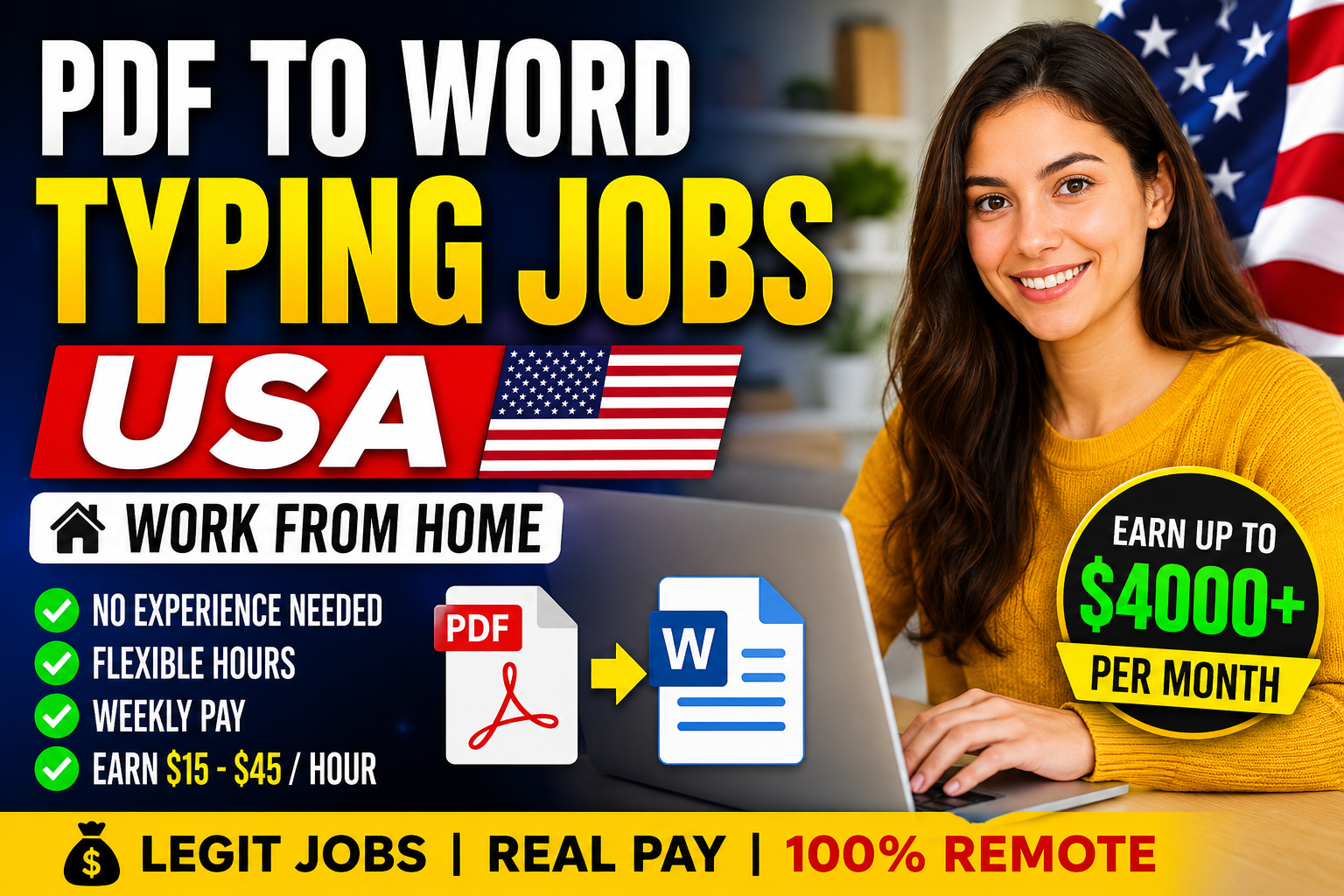
PDF to Word Typing Jobs in the USA are among the most searched online work opportunities for beginners. These jobs involve converting PDF documents into editable Microsoft Word files while maintaining formatting, accuracy, and readability.
Many businesses, law firms, educational institutions, publishers, healthcare providers, and small companies require typed Word documents from scanned PDFs, handwritten files, and digital images.
The best part is that most PDF typing jobs require minimal experience, making them ideal for students, stay-at-home parents, retirees, freelancers, and anyone looking to earn income from home.
In this guide, you’ll learn everything about PDF to Word typing jobs in the USA, including job responsibilities, required skills, expected salaries, trusted websites, and tips for success.
What Are PDF to Word Typing Jobs?
A PDF to Word Typing Job involves manually typing or converting text from PDF files into Microsoft Word documents.
Depending on the project, the PDF may contain:
- Printed documents
- Scanned documents
- Handwritten notes
- Books
- Business reports
- Medical records
- Legal files
- Research papers
- Forms
- Invoices
Your task is to recreate the document in Word while keeping formatting, headings, tables, bullet points, images, and page layouts accurate.
Common Responsibilities
A typical PDF to Word typing professional performs the following tasks:
- Convert PDF files into Word documents
- Type scanned documents manually
- Correct grammar and spelling errors
- Maintain document formatting
- Create tables and charts
- Format fonts and spacing
- Proofread completed work
- Save files in required formats
- Meet project deadlines
- Communicate with clients
Skills Required
You don’t need an advanced degree, but employers look for candidates who have:
Excellent Typing Speed
Most employers prefer:
- 40–70 Words Per Minute (WPM)
Higher typing speed means higher earnings.
Strong English Skills
Good grammar and spelling are important because many documents require proofreading.
Microsoft Word Knowledge
You should know how to:
- Use headings
- Insert tables
- Create bullet lists
- Adjust margins
- Format paragraphs
- Add page numbers
- Save different file formats
Attention to Detail
Accuracy matters more than speed.
Even a small formatting mistake can reduce document quality.
Time Management
Many freelance projects have strict deadlines.
Equipment Needed
One reason these jobs are popular is the low startup cost.
You’ll need:
- Laptop or desktop
- High-speed internet
- Microsoft Word
- Google Docs (optional)
- PDF Reader
- Quiet workspace
- Backup storage
Types of PDF to Word Typing Jobs
1. Manual Typing
You manually type the document while preserving formatting.
Highest paying category.
2. OCR Editing
OCR software converts the PDF automatically.
You simply fix errors.
Less typing.
3. Formatting Projects
Some documents already contain text but need formatting improvements.
4. Data Entry Conversion
Extract information from PDF and place it into Word tables.
5. Legal Document Typing
Legal offices frequently outsource document typing.
Higher pay.
6. Medical Report Typing
Hospitals and clinics require typed reports.
Medical terminology knowledge is helpful.
7. Academic Document Conversion
Universities often digitize:
- Research papers
- Lecture notes
- Assignments
- Historical records
Average Salary in the USA
Salary varies depending on experience.
| Experience | Hourly Pay |
|---|---|
| Beginner | $15–$20/hour |
| Intermediate | $20–$30/hour |
| Experienced | $30–$45/hour |
| Freelancers | $500–$4,000+/month |
Fast typists working consistently can earn even more.
Best Places to Find PDF to Word Typing Jobs
Some of the most trusted websites include:
- Upwork
- Fiverr
- Freelancer
- PeoplePerHour
- FlexJobs
- Remote.co
- Indeed
- LinkedIn Jobs
- Guru
- SimplyHired
Always apply through reputable platforms and avoid offers that ask for upfront payments.
Industries Hiring PDF Typists
Many industries need document conversion services.
These include:
- Law firms
- Healthcare
- Insurance
- Government contractors
- Universities
- Publishing companies
- Real estate agencies
- Accounting firms
- Financial companies
- Marketing agencies
Advantages of PDF to Word Typing Jobs
There are many reasons these jobs remain popular.
Work from Home
No commuting required.
Beginner Friendly
Many positions require no previous experience.
Flexible Schedule
Choose your own working hours if freelancing.
Low Investment
Only a computer and internet connection are needed.
Multiple Income Sources
Work for multiple clients simultaneously.
Easy Skill to Learn
Typing and formatting skills improve with practice.
Challenges
Like every online job, there are some challenges.
- Repetitive work
- Tight deadlines
- Formatting complexity
- Scam job offers
- Eye strain
- Long sitting hours
Fortunately, these can be managed with good work habits.
How to Improve Your Typing Speed
Practice daily using typing websites.
Tips include:
- Use all ten fingers
- Don’t look at the keyboard
- Focus on accuracy first
- Learn keyboard shortcuts
- Practice for 20–30 minutes daily
Tips to Get Hired Faster
Follow these strategies:
- Build a professional resume
- Create a freelance profile
- Include typing speed certificates
- Showcase Word formatting skills
- Start with smaller projects
- Deliver work before deadlines
- Ask clients for positive reviews
Avoid PDF Typing Job Scams
Unfortunately, fake typing jobs are common.
Avoid employers who:
- Ask for registration fees
- Promise unrealistic earnings
- Request personal banking details upfront
- Have no online presence
- Offer jobs through suspicious messages
Legitimate employers pay you for your work—they don’t charge you to get started.
Career Growth Opportunities
After gaining experience, you can move into higher-paying roles such as:
- Virtual Assistant
- Data Entry Specialist
- Administrative Assistant
- Documentation Specialist
- Content Editor
- Proofreader
- Transcriptionist
- Executive Assistant
- Office Administrator
Frequently Asked Questions (FAQs)
Can beginners do PDF to Word typing jobs?
Yes. Many entry-level jobs require only basic typing and Microsoft Word skills.
Do I need a degree?
No. Most employers value typing accuracy, speed, and reliability over formal education.
Can I work from home?
Yes. Most PDF to Word typing jobs are fully remote.
Is typing experience required?
Not always. Beginners can start with simple projects and improve over time.
How much can I earn?
Depending on experience and workload, you can earn between $15 and $45 per hour, with freelancers potentially earning $500–$4,000+ per month.